
Complete and edit my profile
Address, phone, fax, introduction, services and education: what your clients see.
For: Lawyer
Steps
Open “Profile Settings” in the menu.
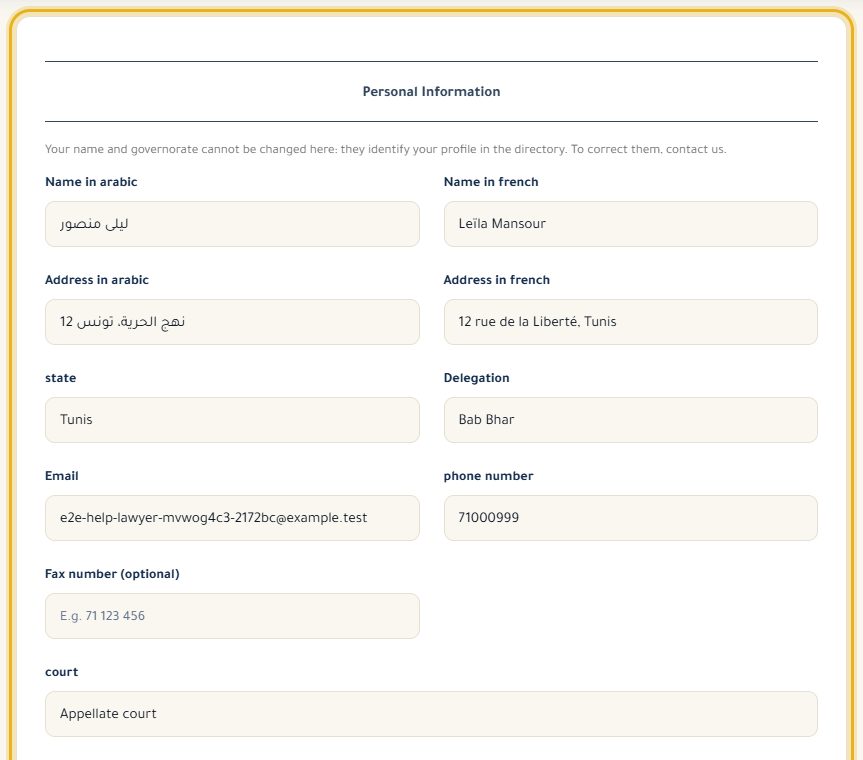
Update your addresses (Arabic and French), the delegation, email, phone and, if you have one, fax.
Write your introduction in “About Me”: your background, your areas of practice, how you work.
Under “Services and Education”, add your services (“Add the service”) and your education (“Add the education”).
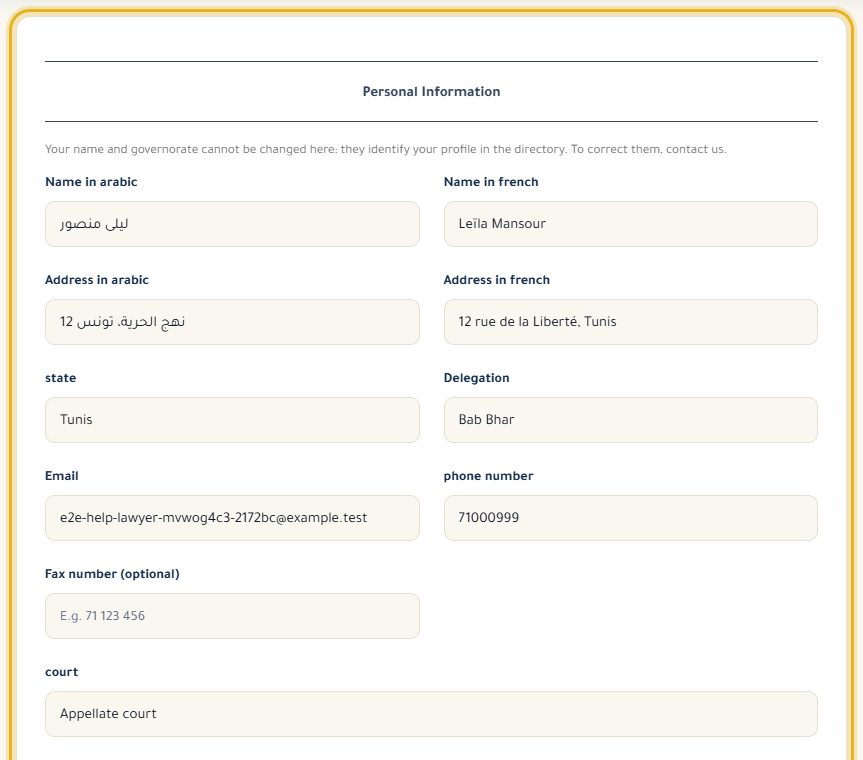
Click “Update” at the bottom of the form to save everything.
Good to know
- Services and education you add are only saved when you click “Update”.
- You can't change your name and governorate here: they identify your profile in the directory. Write to us to correct them.
- Further down, “Badge for your website” gives you a code to paste on your website, and “Language for emails” sets the language of your emails.
Read next
- Set my business hours The days and times you see clients, shown on your profile and used for online booking slots.
- First steps on your lawyer dashboard What your dashboard shows, the menu, and the settings to do first.
Getting started
- First steps on your lawyer dashboard What your dashboard shows, the menu, and the settings to do first.
- Set my business hours The days and times you see clients, shown on your profile and used for online booking slots.
Write to our team: we reply quickly. Contact us