
Book an appointment with a lawyer
Choose a free slot in the lawyer's calendar, at the office or by video.
For: Client
Before you start
- An AvoConsulte account with a confirmed email.
- A lawyer who offers online booking (“Books online” badge).
Steps
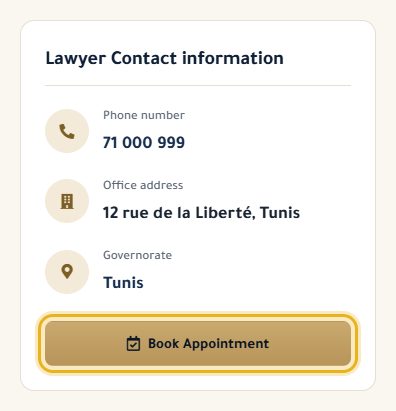
On the lawyer's profile, click “Book Appointment”. If you aren't logged in, log in: you then come back to the booking.
Enter the subject and a short description of your request.
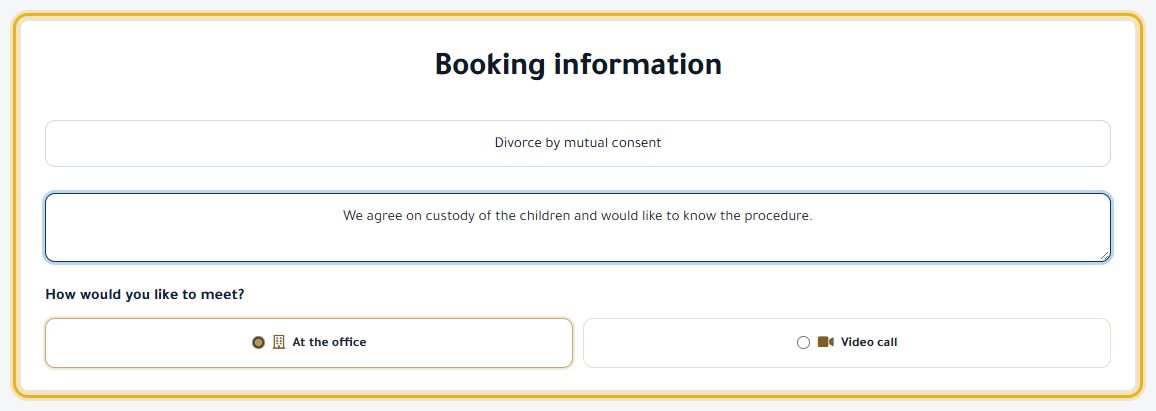
If the option is offered, choose “At the office” or “Video call”.
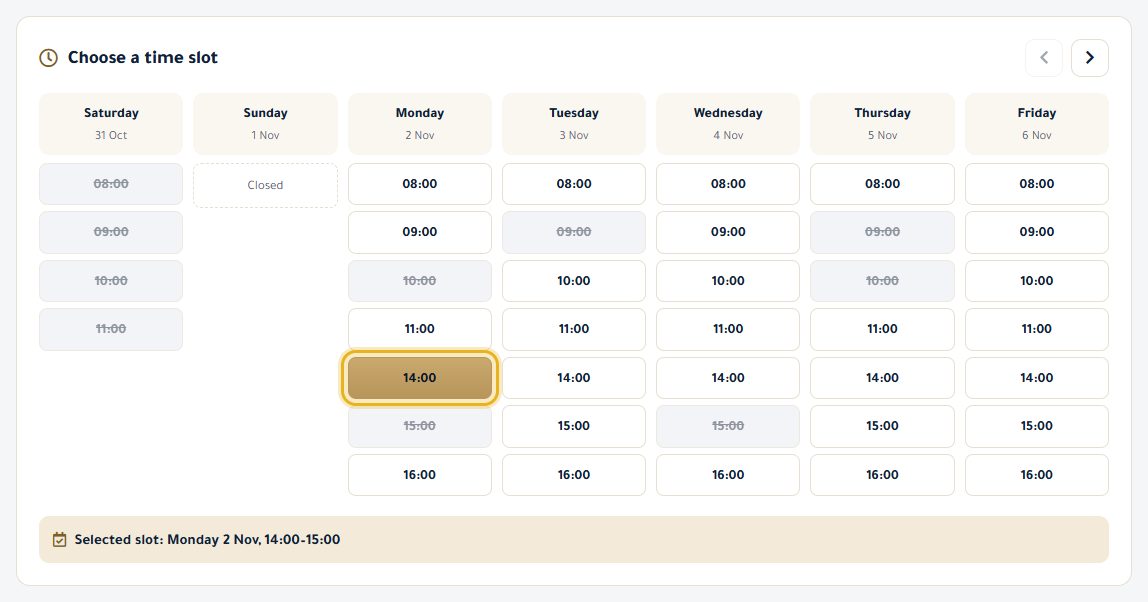
Under “Choose a time slot”, click a free time. The arrows change the week (up to 8 weeks ahead).
Click “Book now”. Your request is sent to the lawyer and stays “Pending” until they confirm it.

Good to know
- You get an email when the lawyer confirms. If they can't, the request changes to “Cancelled” and you are told.
- No more than 3 pending requests with the same lawyer.
- Greyed-out slots are already taken or in the past.
Read next
- Follow and cancel my appointments Find your appointments, their status, and cancel a request.
- Join a video consultation On the day of your appointment, join the video call from your dashboard.
Appointments
- Follow and cancel my appointments Find your appointments, their status, and cancel a request.
- Join a video consultation On the day of your appointment, join the video call from your dashboard.
- Give feedback after an appointment Rate the consultation and leave a note for your lawyer.
Write to our team: we reply quickly. Contact us