
Create an event in my calendar
Block out time (a hearing, a meeting…) so nobody can book it, and see your whole calendar.
For: Lawyer · Pro
Steps
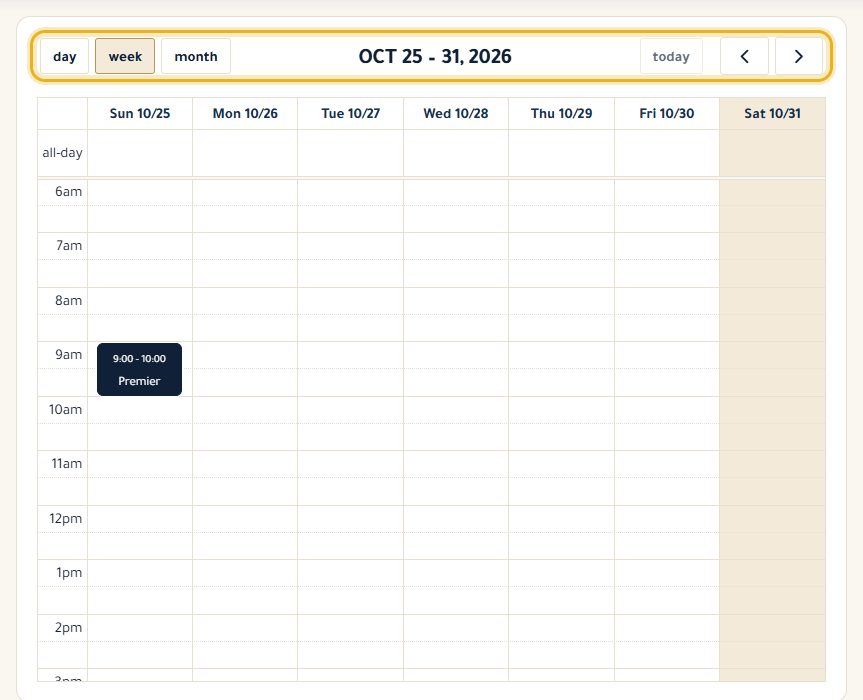
Open “Calendar”: your appointments and events are shown. The Day, Week and Month buttons change the view.
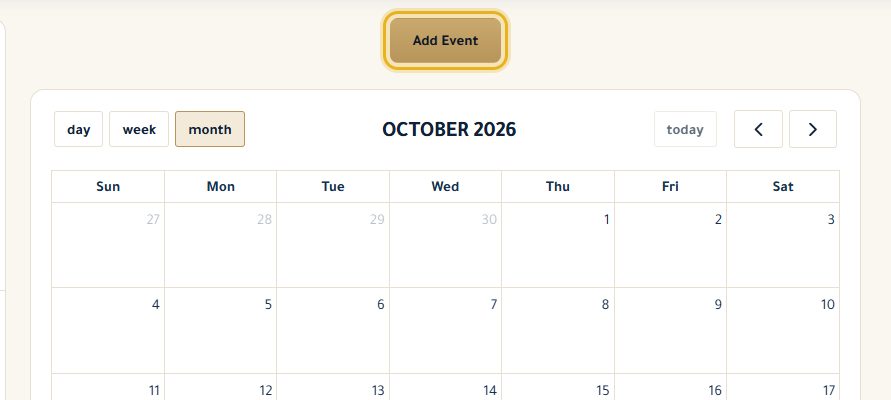
Click “Add Event”.
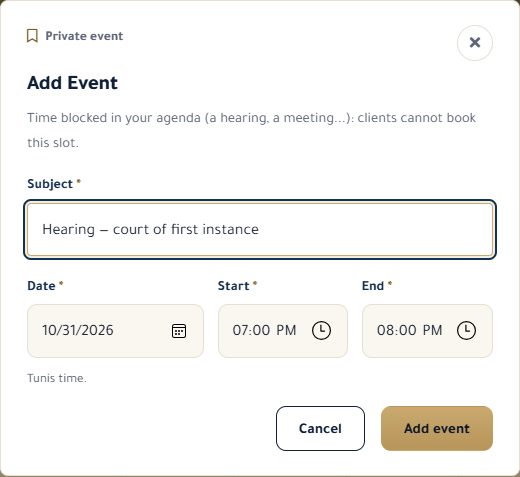
Enter the subject, date, start and end time (Tunis time), then “Add event”.
Click an item in the calendar to see its details: “Delete” removes an event, “Cancel appointment” cancels a confirmed appointment.
Good to know
- Clients can't book a slot taken by an event.
- An event can't be moved: delete it and create it again at the right time.
- Pending requests are handled from “Appointments”, not from the calendar.
Read next
- Accept, decline and cancel appointments Answer your clients' requests and manage your confirmed appointments.
- Set my business hours The days and times you see clients, shown on your profile and used for online booking slots.
Appointments and calendar
- Accept, decline and cancel appointments Answer your clients' requests and manage your confirmed appointments.
- Add an appointment myself Put an appointment made by phone or at the office in your calendar, with a client on the platform or not.
Write to our team: we reply quickly. Contact us