
Manage my cases
Create a case, track its hearings and deadlines, take notes and keep track of fees.
For: Lawyer · Pro
Steps
Open “Cases” and click “New case”.
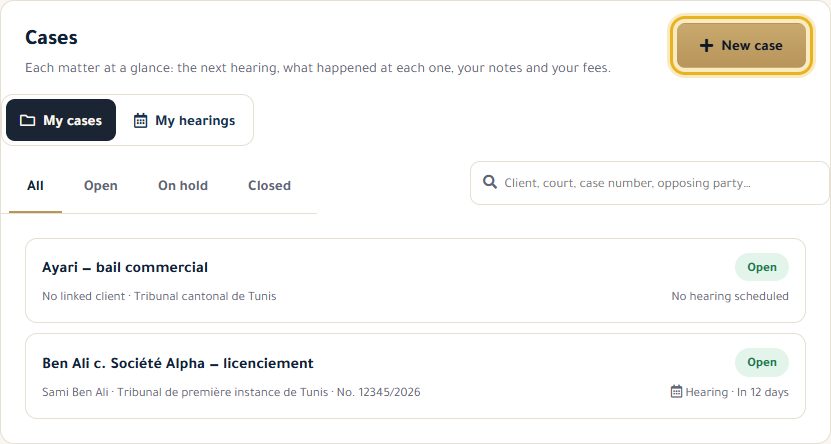
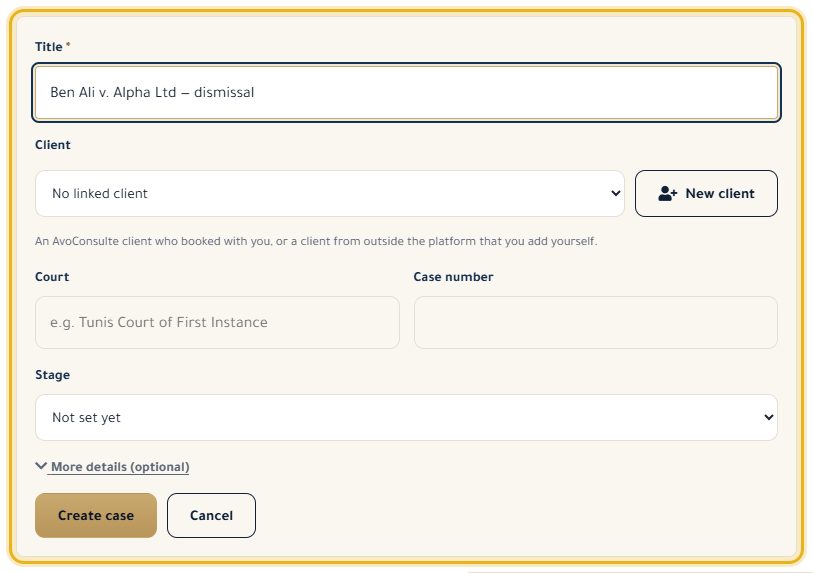
Give it a title, choose the client (or “New client” to add one), the court, the case number and the stage, then “Create case”.
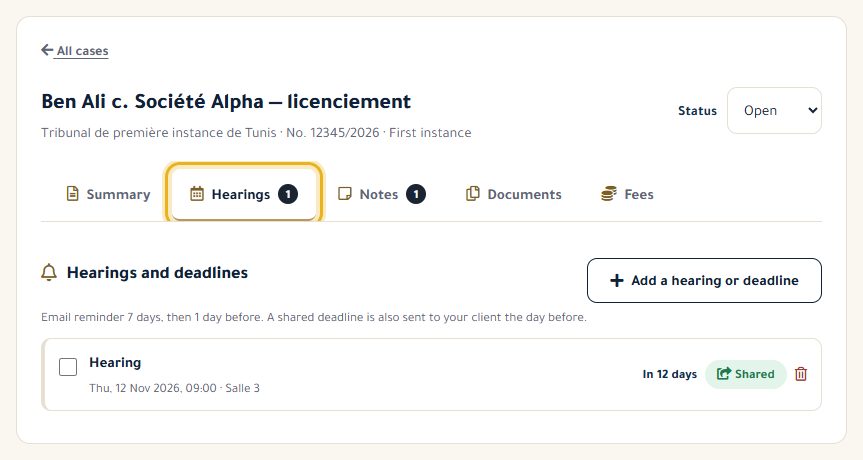
On the “Hearings” tab, click “Add a hearing or deadline”: you get an email reminder 7 days and then 1 day before.
After a hearing, “What happened?” records the outcome; an adjournment automatically creates the next hearing.
The “Notes” tab keeps your encrypted notes; “Fees” tracks the agreed amount and the payments received.
Good to know
- A note or a date can be shared with a client who has an account: they see it in “My cases” and get a reminder the day before.
- Fees and private notes are never visible to the client.
- Deleting a case also deletes its notes and documents. To close it, set its status to “Closed”.
Read next
- My clients, including those outside the platform Find your clients, add those without an account and keep a private memo.
- Write and organise my documents Write your deeds and letters, upload your files and file them in your cases.
Cases and clients
- My clients, including those outside the platform Find your clients, add those without an account and keep a private memo.
- Read my clients' feedback The ratings and comments left after your consultations.
Write to our team: we reply quickly. Contact us